elsewhere
set your phone's location to anywhere.
android: no computer needed. elsewhere for android works on the phone alone, after a one-minute setup in the phone's settings. iphone works from your computer.
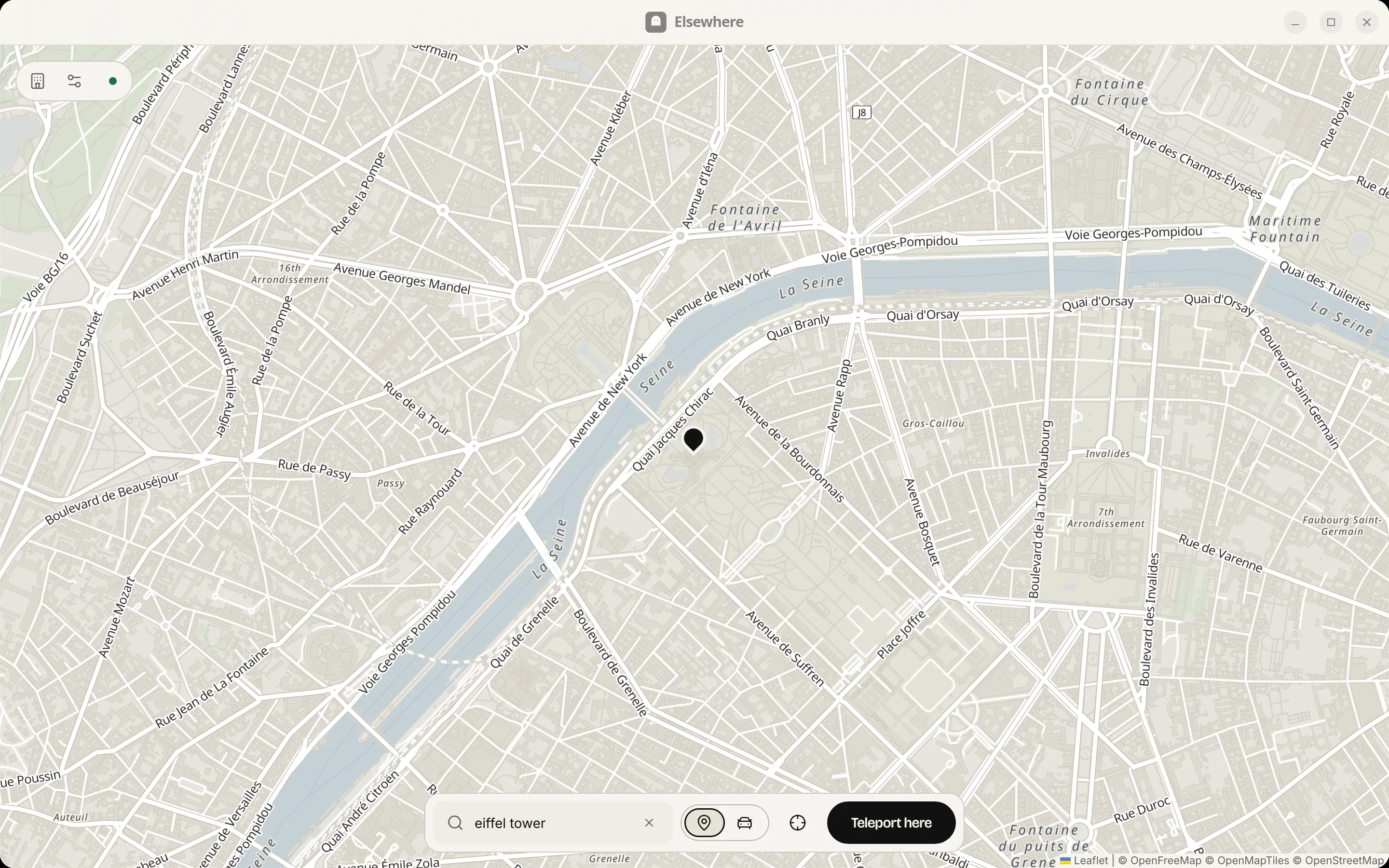
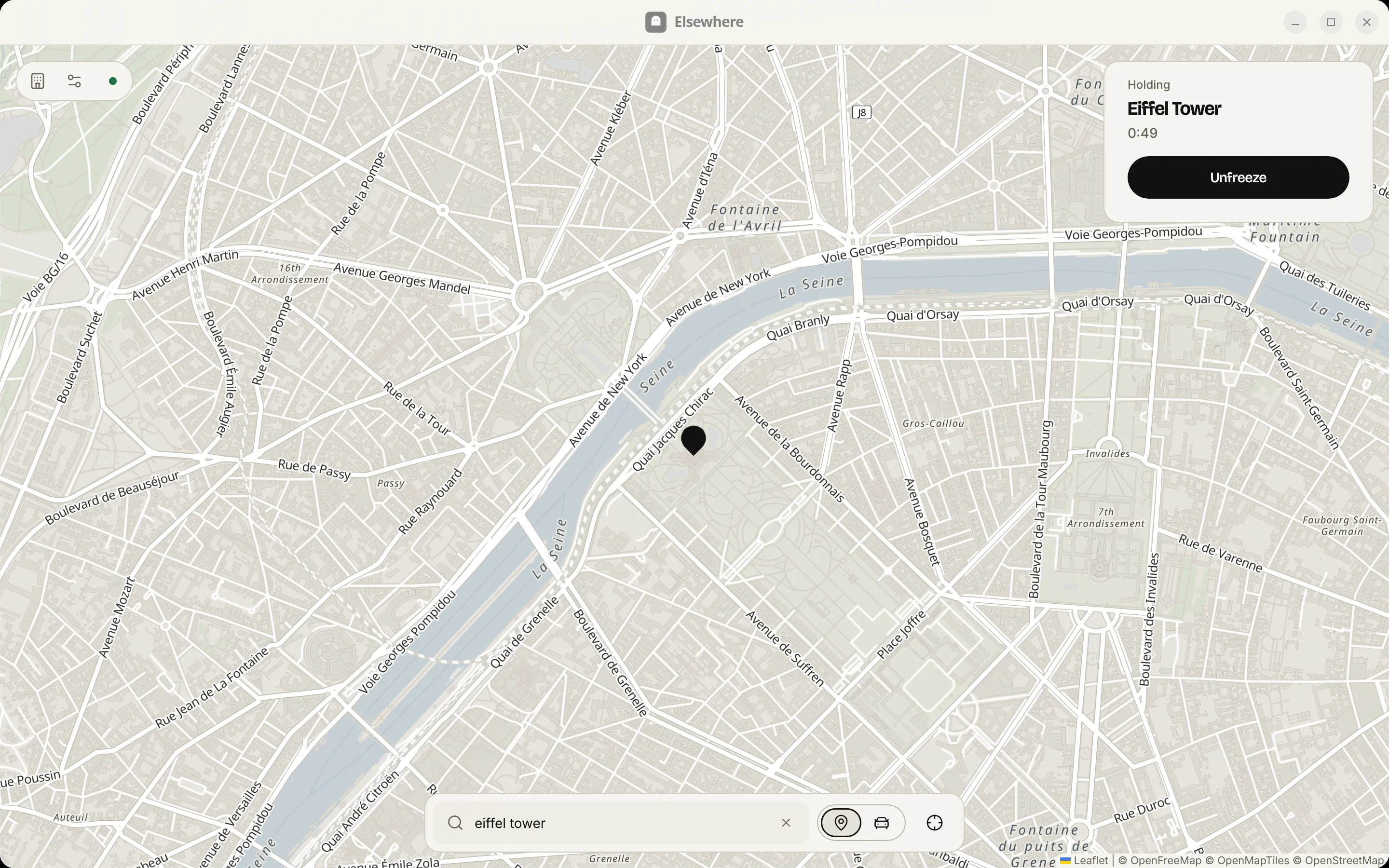
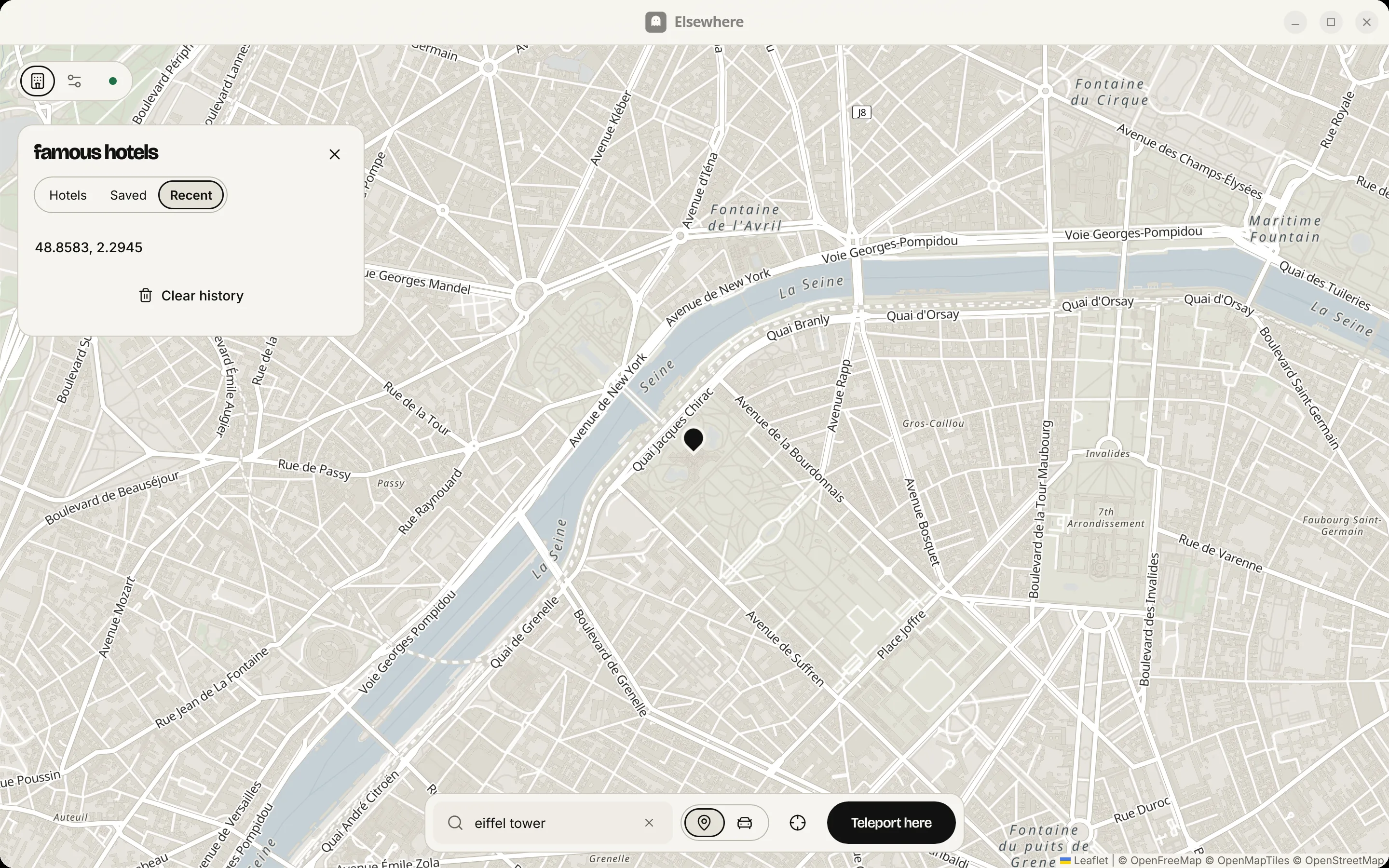
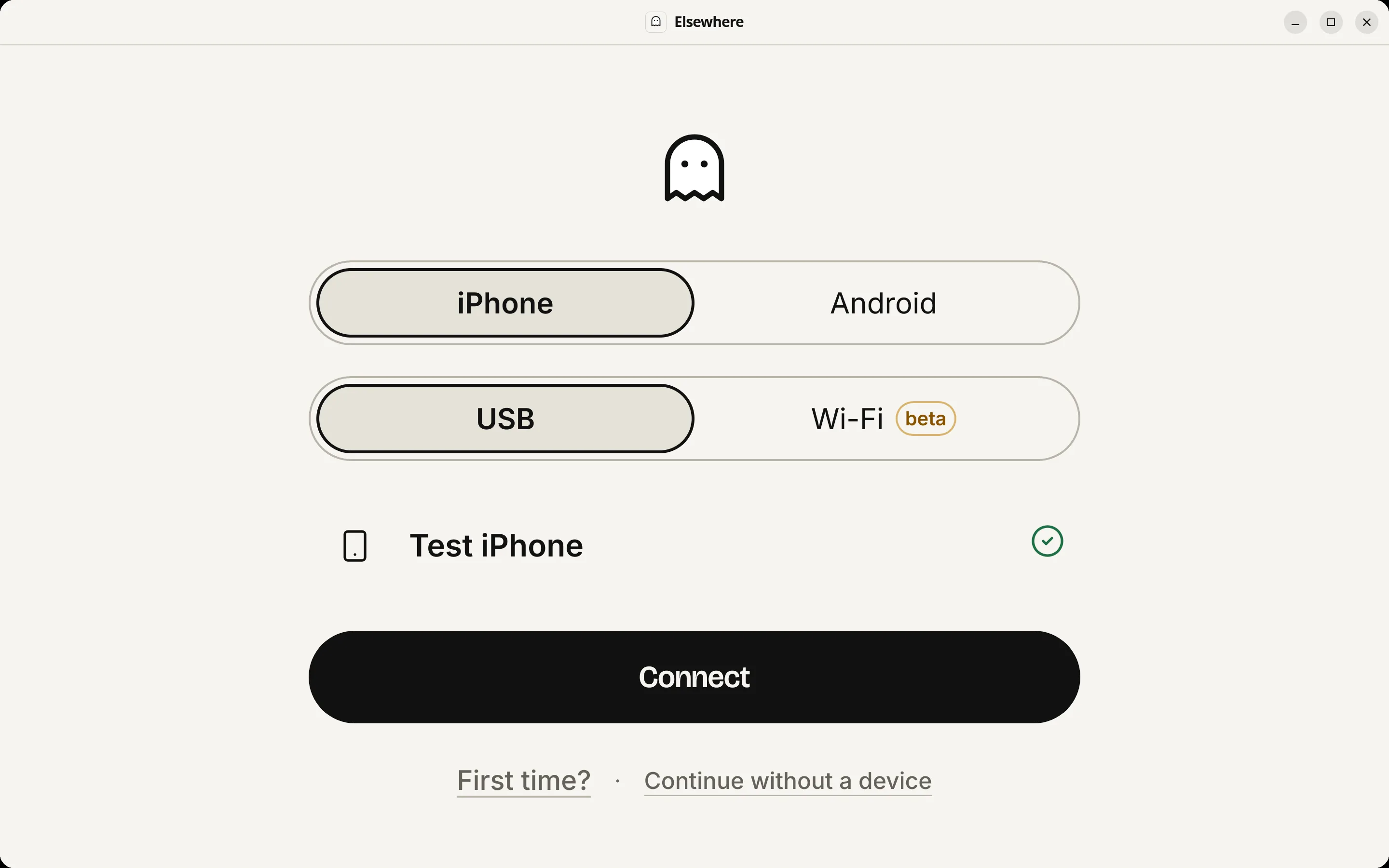
download
on an iphone, elsewhere runs on your computer. open this page there.
-
windows
0.9.6
- installer79.8 MB
- portable .zip81.2 MB
-
mac
0.9.3 · still named ghostline · 0.9.6 is coming0.9.3 (ghostline) · 0.9.6 soon
- apple silicon68.8 MB
- intel72.4 MB
-
linux
0.9.6
-
android
0.9.6 · no computer needed
- download the app747.4 KB
android: no computer needediphone wi-fi: beta
what you need
android: just the phone, on android 11 or later. no computer needed.
iphone: a computer (windows, mac or linux) and a usb cable.
good to know
works with iphones on ios 16 and later, with developer mode on.
elsewhere for android works on android 11 and later, on the phone alone. tested on android 11, 14 and 17.
on android, the phone keeps the spot until you unfreeze, even with the screen locked. unfreeze from the notification or in the app.
android shows its own "mock location is on" notice while a spot is set. it's from your phone, not from elsewhere.
android apps can see that a location is set by an app, and some don't accept it.
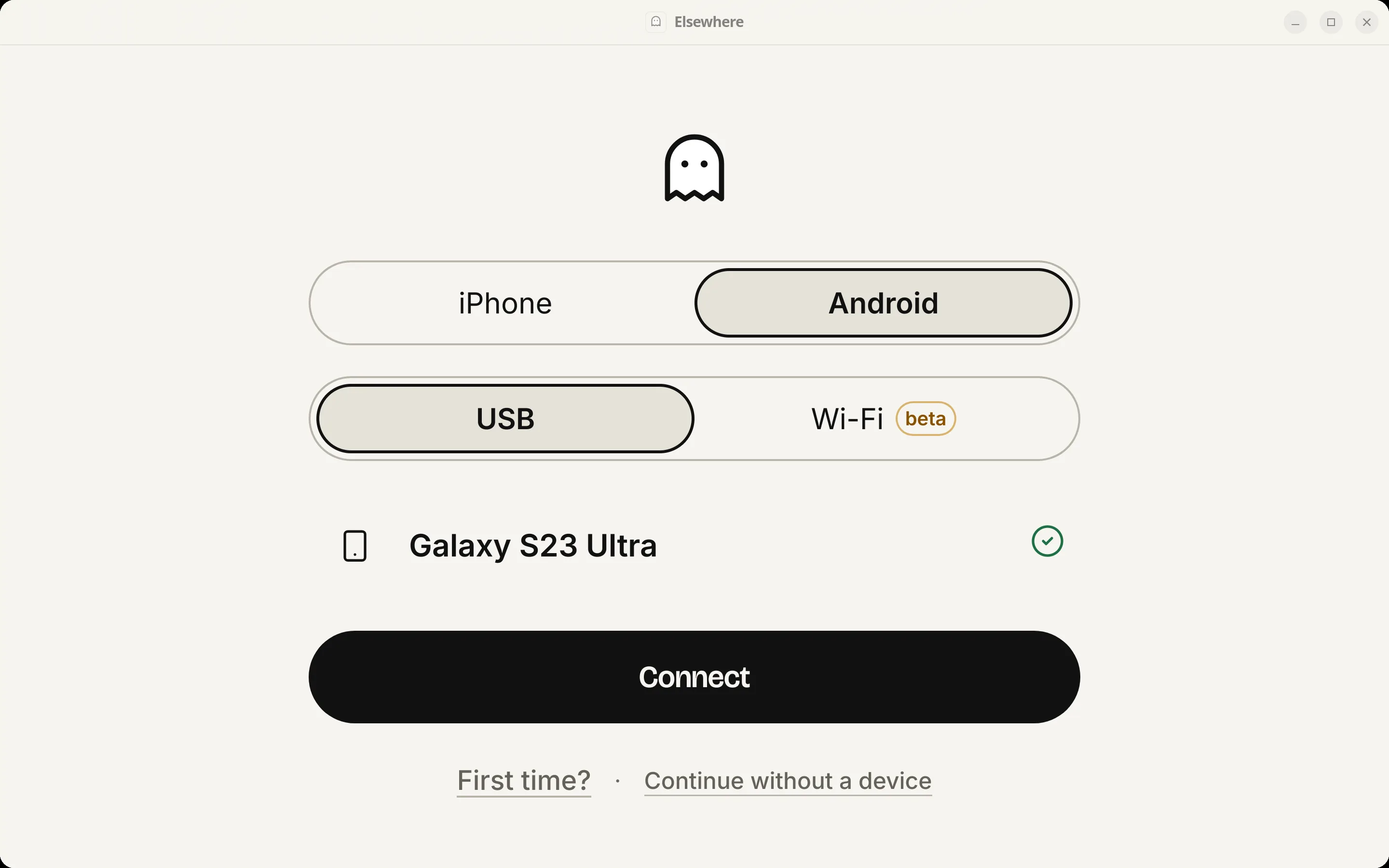
you can still use android with elsewhere on your computer, over usb, as before.
teleport works on every supported version.
drive works on ios 16 and earlier for now.
wi-fi is beta on ios 17.4 and later and may need one cable connection after some resets or updates.
some apps don't allow location changes, so use it responsibly.